

How to Set Up Internet Without a Technician Visit (Self-Install Guide)
Most major internet providers offer self-installation kits that let you set up your internet without scheduling a technician. You’ll receive a modem, router, cables, and instructions. The process typically takes 15–30 minutes and requires no technical experience. Cable and fiber-to-the-home connections are the easiest to self-install; some fiber and DSL setups still require a technician.
Waiting for a technician appointment is one of the most frustrating parts of getting new internet service — slots can be days or even weeks out. The good news is that many providers now offer self-installation, and the process is simpler than most people expect. Here’s how to do it yourself.
Looking for help with a specific provider? We have step-by-step self-install guides for Spectrum, Optimum, and Xfinity.

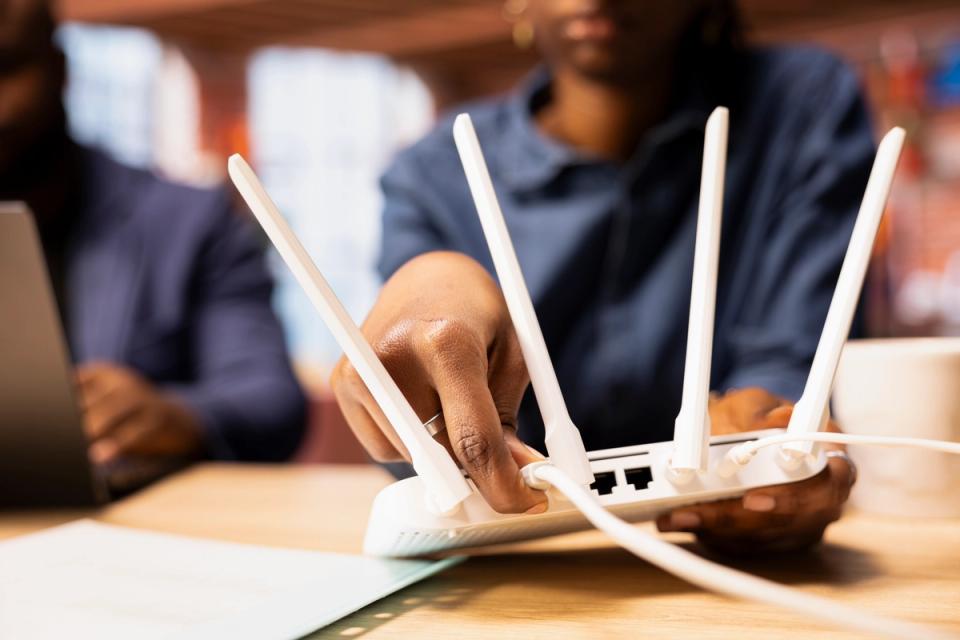
Step 1: Confirm Your Provider Offers Self-Install
Before you sign up, check whether the provider offers a self-installation option. Most major cable providers do. Some fiber providers do too, depending on whether fiber is already connected to your home. Ask when signing up — providers who offer it will ship your equipment within a few days.
Step 2: Set Up Your Equipment
Your self-install kit will typically include a modem (sometimes combined with a router), coaxial or Ethernet cables, a power adapter, and an instruction sheet. Here’s the basic process:
- Connect your modem to the cable or phone outlet on the wall using the coaxial cable provided
- Plug the modem into a power outlet and wait for the lights to stabilize (usually 1—2 minutes)
- If your modem and router are separate devices, connect them with an Ethernet cable
- Plug in your router and wait for it to power on
- Connect a device to your Wi-Fi network using the network name and password printed on your router
Step 3: Activate Your Service
Once your hardware is connected, you’ll need to activate your service. Most providers walk you through this via:
- A web page that automatically loads when you first open a browser
- A provider app on your phone
- A phone call to their activation line (the number is usually in your kit)
Activation usually takes 5—10 minutes. You may need your account number or the serial number printed on your modem.
Step 4: Position Your Router for Best Coverage
Where you put your router matters as much as the plan you buy. For the best Wi-Fi coverage:
- Place it in a central location in your home — not in a corner or closet
- Keep it elevated — on a shelf or counter, not on the floor
- Avoid placing it near microwaves, baby monitors, or other electronics that cause interference
- Keep it away from thick concrete or brick walls if possible
Check out our full router placement guide for more tips and tricks.
What If Something Doesn’t Work?
If your internet isn’t connecting after activation, try these steps in order:
- Unplug your modem and router, wait 30 seconds, and plug them back in
- Make sure all cables are firmly connected
- Call your provider’s support line — they can often diagnose and fix activation issues remotely
Most self-install issues are minor and resolved with a quick restart or call.
Looking for a new internet plan you can self-install quickly? Enter your address at freeconnect.us to see every available provider, plan, and price — with sign-up in about 10 minutes.
→ Check availability at freeconnect.us
Frequently Asked Questions
Can I set up internet myself without a technician?
Yes — most major cable providers offer self-installation kits. The process takes about 15—30 minutes and requires no technical background. You’ll receive all the equipment and instructions by mail.
Is self-installation free?
Often yes, or it comes with a small shipping fee for the equipment kit. Compare this to technician installation fees, which can range from $50—$100 or more.
What if I have no existing cable outlet?
If there’s no coaxial outlet in your home, you’ll likely need a technician to install one. This is less common in established homes but does happen in newer builds or conversions.
Do I need to be home to self-install?
You just need to be home to receive the equipment in the mail and complete the setup yourself. No appointment window needed — you can set it up whenever it’s convenient for you.